
Sales representatives and account teams
Users managing leads, opportunities, quotations, orders and customer records.
Foundation to operational · Odoo functional training
Practical functional training for sales users who need to manage customers, opportunities, quotations, orders and reporting across Odoo Sales and CRM.
Practical workflows · Guided discussion · Skills for real Odoo use
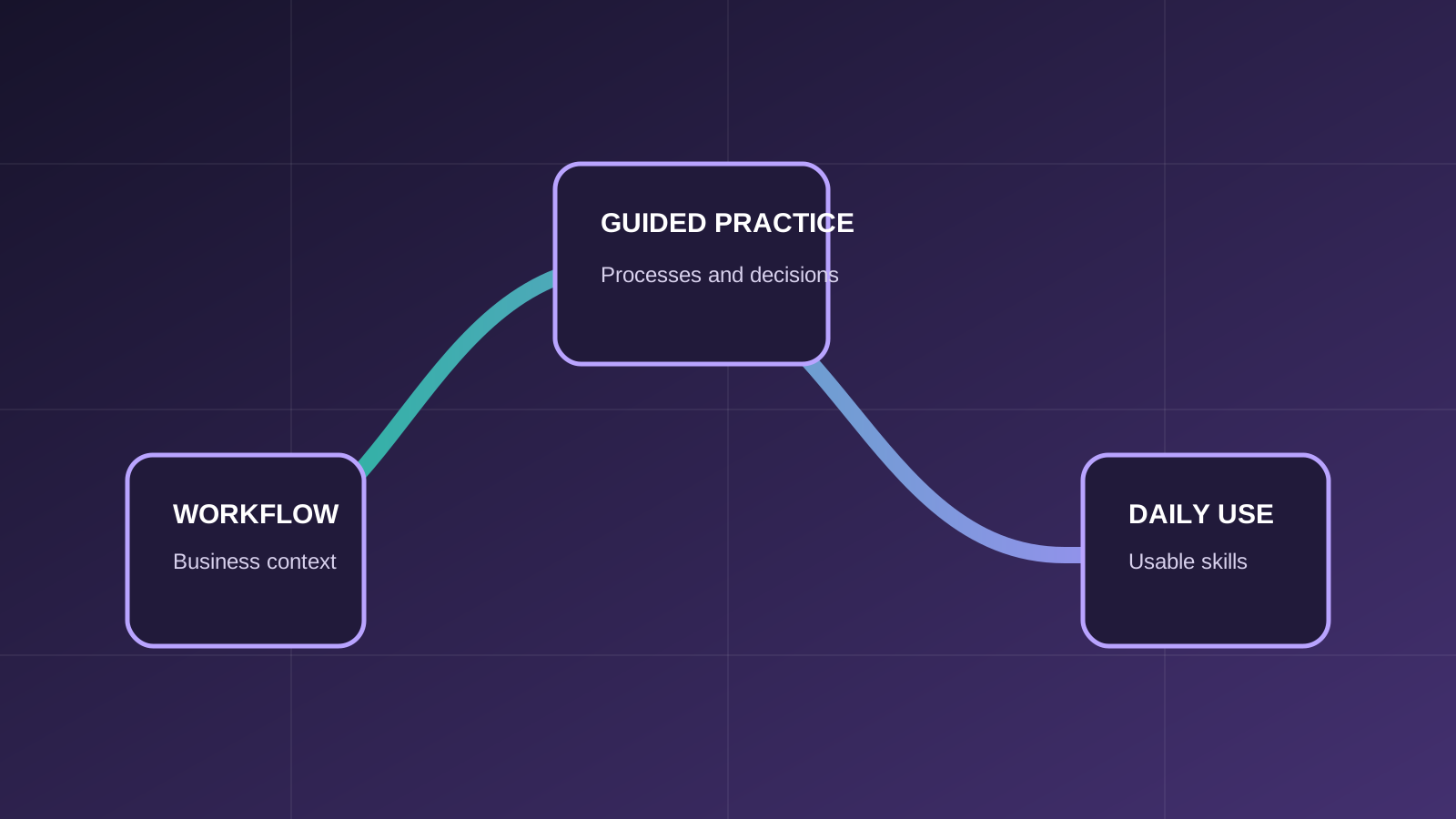
Course overview
The course follows the commercial workflow from customer and product data through opportunities, quotations, sales orders and pipeline reporting. Participants also learn how Sales and CRM records connect with inventory, invoicing and other ERP processes.
Who should attend
The course is focused on roles that use, supervise or support the covered Odoo processes.
Users managing leads, opportunities, quotations, orders and customer records.
Owners of sales teams, pricing structures, pipeline discipline and reporting.
Teams establishing a consistent quotation-to-order and opportunity-management process.
Prerequisites
Required and recommended knowledge is stated clearly so participants can choose the appropriate level.
Participants should understand how their organization qualifies demand, prepares quotations and confirms customer orders.
Participants should be comfortable using web applications and maintaining structured customer data.
No previous Odoo experience is required; the course introduces the interface and relevant application relationships.
What you will learn
Learning outcomes connect system actions with the business process and the result users need to understand.
Create and manage customers, products and the sales information needed for reliable transactions.
Prepare quotations, use templates where appropriate and confirm sales orders.
Understand pricelists, product types and configuration choices that affect commercial documents.
Create and progress opportunities, convert leads and record won, lost and lost-reason outcomes.
Review pipeline and sales performance through Odoo reporting views.
Recognize how confirmed sales activity connects to delivery, inventory and invoicing processes.
Course program
Modules progress from the necessary records and concepts into connected operational scenarios.
ERP context; relevant Odoo apps; interface navigation; personal user and language settings.
Product and customer records; quotation and sales-order forms; the standard sales process.
Sales settings; product types; pricelists; sales options; quotation templates; sales teams and reporting.
CRM purpose; opportunities; lead conversion; quotations from opportunities; won and lost stages; lost reasons and pipeline analysis.
How Sales and CRM records interact with inventory, delivery, invoicing and other operational apps.
Practical business scenarios
The training goes beyond a feature tour by connecting actions across records, roles and business outcomes.
Qualify a lead, create the opportunity and maintain the information needed for the next sales action.
Prepare a commercial proposal from the pipeline using appropriate customer, product and pricing data.
Confirm the customer commitment and understand the operational records created downstream.
Use stages, won and lost outcomes, lost reasons and reporting to assess sales activity.
Training approach
ERPixel connects Odoo actions to the business decisions, records and handoffs behind them.
Each feature is explained in the context of the business workflow it supports.
Participants work through the records, decisions and exceptions used in day-to-day operations.
The course creates room to clarify why a workflow behaves as it does and how connected Odoo apps affect it.
Learning outcomes focus on tasks participants should be able to perform and interpret after training.
Official Odoo Partner
Odoo implementation, development, integration and ongoing support.
Why train with ERPixel
ERPixel connects functional instruction with the implementation, integration and support context in which Odoo users actually work.
The trainer brings more than a decade of relevant experience across business software, ERP, Odoo, analytics and automation work.
Training explains how records, controls and connected Odoo apps support the wider operating process.
As an official Odoo Partner, ERPixel understands how configuration, user responsibilities and adoption meet during delivery and ongoing use.
Related learning and expertise
Explore an adjacent course, application or ERPixel service.
Follow confirmed demand into delivery, stock movement and warehouse operations.
Course FAQ
Clarify the expected experience, scope and relationship to other ERPixel courses.
Yes. It covers the quotation-to-order process in Sales and the lead and opportunity workflow in CRM, including the relationship between them.
No. The course begins with the Odoo interface and relevant application relationships before moving into operational workflows.
It explains how sales records connect to those downstream processes. Detailed warehouse operations are covered in the related Inventory training.
Odoo training for your team
Tell us about the participant roles, current Odoo experience and workflows you want the training to address. We can clarify course fit and the appropriate scope.