
Inventory and warehouse users
Operational users processing receipts, deliveries, transfers, adjustments and returns.
Foundation to operational · Odoo functional training
Practical functional training for inventory and warehouse users who need to control products, stock movements, locations and connected purchasing workflows in Odoo.
Practical workflows · Guided discussion · Skills for real Odoo use
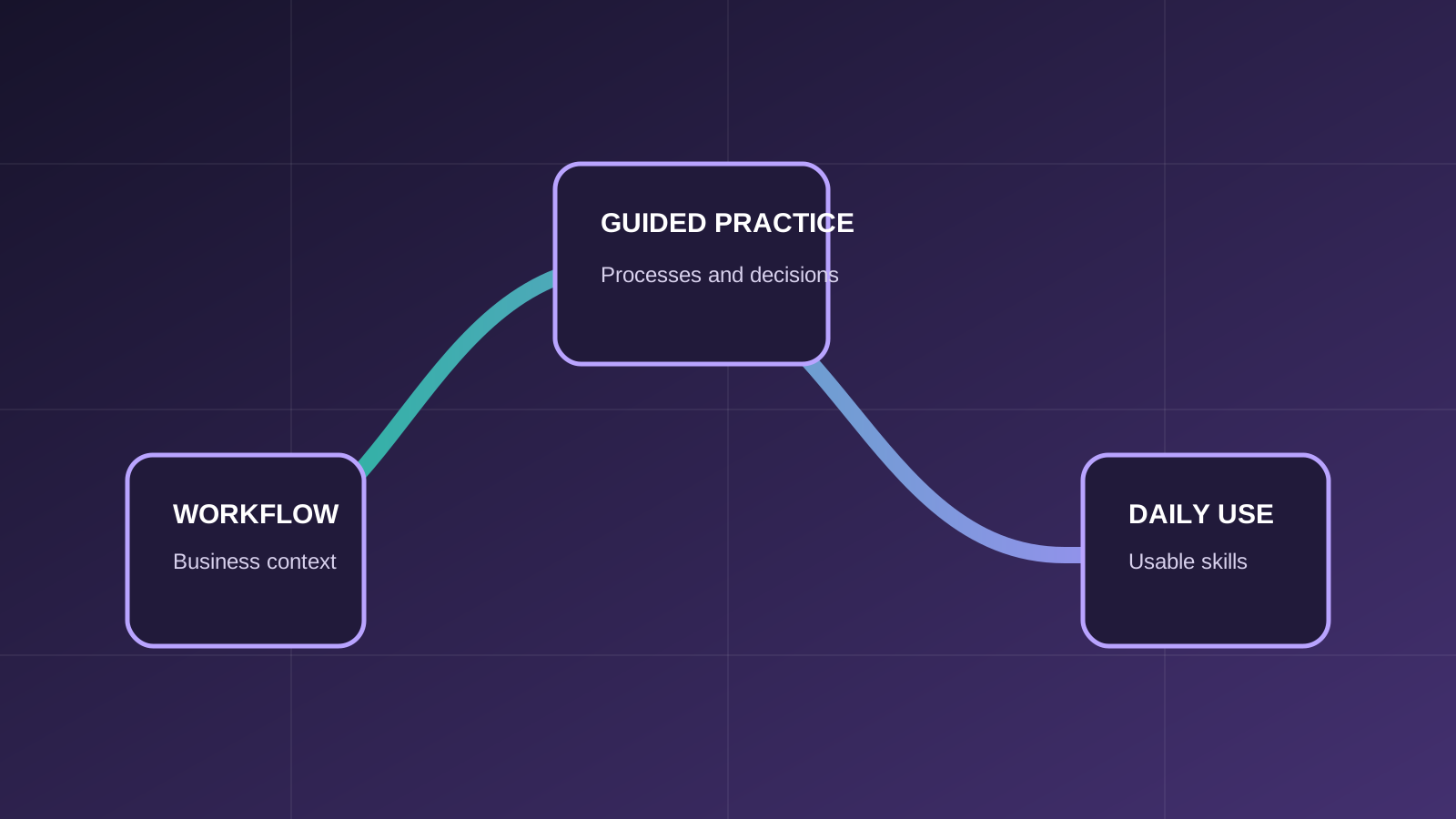
Course overview
The course follows inventory work from product setup and stock visibility through receipts, deliveries, adjustments, routes, warehouse configuration, landed costs and reporting. It also introduces the Purchase workflows that create incoming stock operations.
Who should attend
The course is focused on roles that use, supervise or support the covered Odoo processes.
Operational users processing receipts, deliveries, transfers, adjustments and returns.
Owners of locations, operation types, routes, controls and reporting.
Teams preparing users to work consistently in an Odoo inventory environment.
Prerequisites
Required and recommended knowledge is stated clearly so participants can choose the appropriate level.
Familiarity with products, stock movements or warehouse work is useful for relating Odoo records to real operations.
Participants should be comfortable navigating a web application and working with structured records.
No advanced Odoo knowledge is required; the course begins with ERP, application relationships and core inventory records.
What you will learn
Learning outcomes connect system actions with the business process and the result users need to understand.
Work with product variants, product types, units of measure and inventory options.
Handle receipts, deliveries, adjustments, returns and scrap in the correct operational context.
Use quantities, locations, location types and inventory reporting to understand stock position.
Recognize how warehouses, operation types, routes and rules shape stock movement.
Follow RFQs and purchase orders into receipts and vendor returns.
Understand product-category settings and landed costs relevant to inventory operations.
Course program
Modules progress from the necessary records and concepts into connected operational scenarios.
The role of ERP; Odoo apps that affect inventory; relationships between operational records.
Products and variants; product types; units of measure; on-hand quantity; locations; deliveries; operation types and adjustments.
Routes and rules; categories; location types; warehouse settings; custom routes and operation types; scrap; landed costs and reporting.
Requests for quotation; purchase orders; product receipts; vendor returns and relevant Purchase settings.
Practical business scenarios
The training goes beyond a feature tour by connecting actions across records, roles and business outcomes.
Move an approved purchase through product receipt and handle a return to the vendor.
Use locations and operation types to record movement while preserving stock traceability.
Record operational differences and unusable stock with the appropriate inventory transaction.
Examine how product, warehouse, route and rule settings determine the next stock operation.
Training approach
ERPixel connects Odoo actions to the business decisions, records and handoffs behind them.
Each feature is explained in the context of the business workflow it supports.
Participants work through the records, decisions and exceptions used in day-to-day operations.
The course creates room to clarify why a workflow behaves as it does and how connected Odoo apps affect it.
Learning outcomes focus on tasks participants should be able to perform and interpret after training.
Official Odoo Partner
Odoo implementation, development, integration and ongoing support.
Why train with ERPixel
ERPixel connects functional instruction with the implementation, integration and support context in which Odoo users actually work.
The trainer brings more than a decade of relevant experience across business software, ERP, Odoo, analytics and automation work.
Training explains how records, controls and connected Odoo apps support the wider operating process.
As an official Odoo Partner, ERPixel understands how configuration, user responsibilities and adoption meet during delivery and ongoing use.
Related learning and expertise
Explore an adjacent course, application or ERPixel service.
Understand the customer-facing workflow that can trigger delivery operations.
Course FAQ
Clarify the expected experience, scope and relationship to other ERPixel courses.
No. It is relevant to operational inventory users, supervisors, key users and onboarding teams, with responsibilities matched to each role.
It covers the purchasing records directly connected to incoming inventory: RFQs, purchase orders, receipts and vendor returns.
No. The course establishes the core records first, then progresses to warehouse settings, routes, rules, landed costs and reporting.
Odoo training for your team
Tell us about the participant roles, current Odoo experience and workflows you want the training to address. We can clarify course fit and the appropriate scope.