
Repeated data entry
Avoid maintaining the same products, transfers, and warehouse information separately in Odoo and Mintsoft.
Odoo × Mintsoft integration
Connect Odoo ERP with Mintsoft fulfillment software and automate the exchange of product, stock, warehouse, transfer, courier, and sales-channel data.
Built for Odoo Enterprise · Multi-account and multi-warehouse scenarios · Installation, configuration, and customization by ERPixel
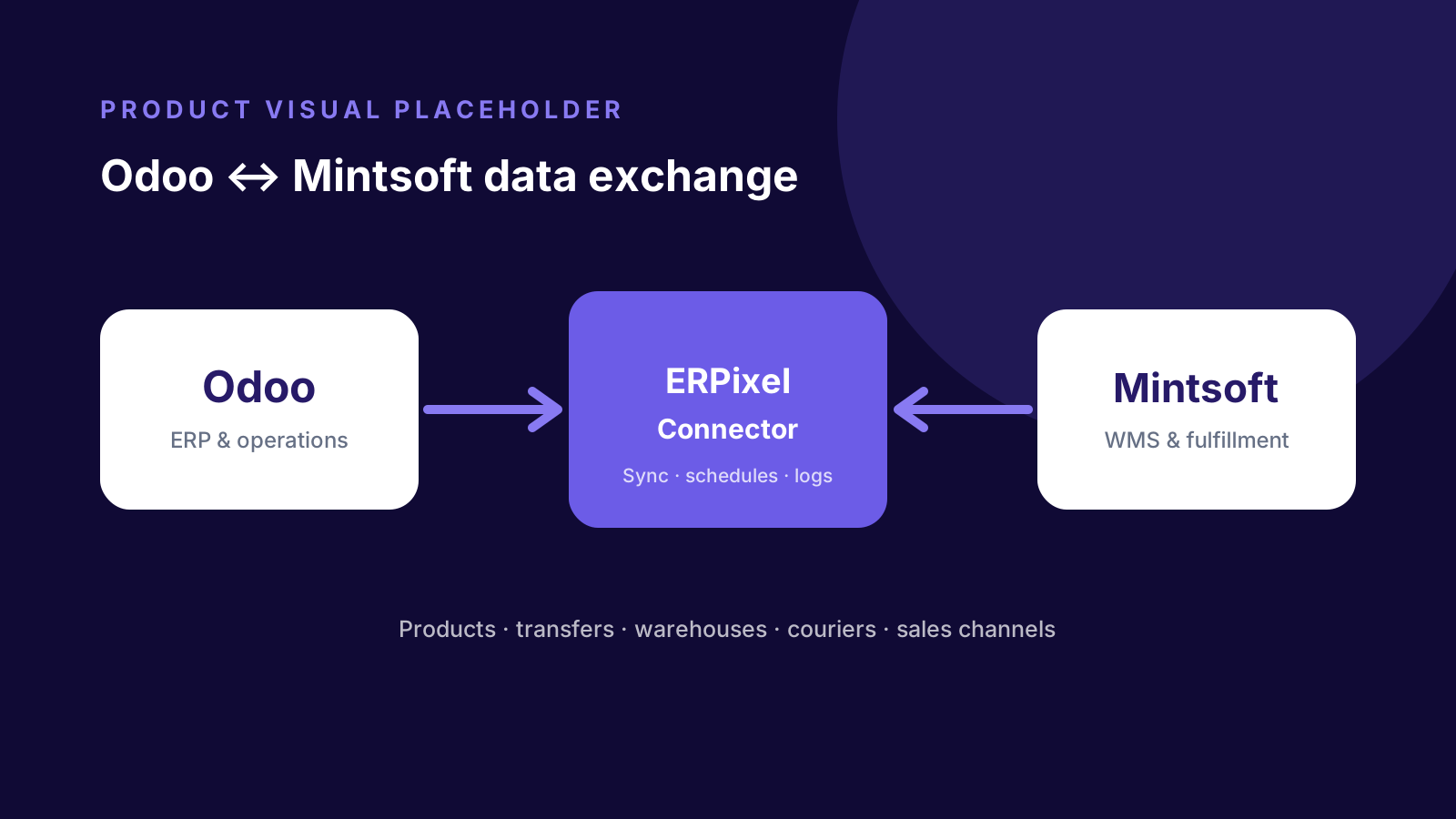
Product overview
Designed for ecommerce, warehouse, and fulfillment businesses operating Odoo together with Mintsoft, the connector replaces repeated cross-system data entry and reduces delays and inconsistent product, order, or stock records. ERPixel configures the exchange around the client environment, while synchronization statuses and communication logs keep the process visible to operational teams.
When the connector helps
The connector addresses recurring operational gaps between ERP management and external fulfillment.
Avoid maintaining the same products, transfers, and warehouse information separately in Odoo and Mintsoft.
Bring fulfillment-related statuses and synchronized information into the Odoo environment used by your team.
Manage more than one Mintsoft instance or warehouse from a single Odoo environment.
Use scheduled jobs to automate supported transfer, product, stock, and fulfillment data exchange.
Keep configured stock information synchronized instead of relying on separate updates across ERP and fulfillment systems.
Use synchronization statuses and communication logs to identify issues without treating the connector as a black box.
Core capabilities
Each capability reduces a specific handoff between Odoo and Mintsoft while keeping configuration and monitoring accessible in Odoo.
Import and export products, including SKU, descriptions, dimensions, and other information required by the configured synchronization.
Send transfer documents from Odoo to Mintsoft and track their statuses, manually or through scheduled jobs.
Synchronize Mintsoft warehouse locations into Odoo to support the operational structure used by the business.
Bring configured courier services and sales-channel data from Mintsoft into Odoo.
Manage API credentials, connection settings, scheduled actions, and connector defaults for each Mintsoft instance.
Connect multiple Mintsoft accounts or warehouses and manage them in one Odoo environment.
How it works
The connector sits between Odoo and Mintsoft, applying configured synchronization rules and scheduled actions.
Business system
Teams manage ERP records, transfers, products, and connector configuration.
Integration layer
Credentials, mappings, scheduled jobs, statuses, and logs control the exchange.
Fulfillment system
Warehouse and fulfillment operations provide or receive the configured data.
The exact direction, schedule, and mapping of each data flow are confirmed during implementation for the client environment.
Supported data flows
The standard connector covers the following documented entities. Final mappings depend on the client configuration.
| Data object | Direction | Operation |
|---|---|---|
| Products | Odoo ↔ Mintsoft | Import and export supported product information. |
| Inventory / stock | Defined during setup | Synchronize configured inventory information for operational visibility. |
| Transfers / orders | Odoo → Mintsoft | Send transfer documents and monitor their statuses. |
| Warehouses | Mintsoft → Odoo | Synchronize warehouse locations. |
| Couriers | Mintsoft → Odoo | Synchronize configured courier services. |
| Sales channels | Mintsoft → Odoo | Synchronize configured sales-channel records. |
Assess your integration
Share your Odoo edition, Mintsoft setup, warehouses, accounts, and required data flows. ERPixel will help identify the right configuration and any customization needed.
Control and monitoring
The connector includes operational controls for configuring and reviewing synchronization.
Run supported exchanges automatically instead of relying on regular manual entry.
Review communication between Odoo and Mintsoft when monitoring or troubleshooting a synchronization.
Track connector operations and transfer progress from the Odoo environment.
Business benefits
The value comes from connecting existing operational systems, not replacing them with another manual process.
Automate recurring exchange instead of entering the same information into two systems.
Limit avoidable inconsistencies caused by repetitive manual updates.
Use synchronized data, statuses, and logs to understand fulfillment activity from Odoo.
Support multiple Mintsoft accounts or warehouses as fulfillment requirements grow.
Extend synchronization logic when standard behavior does not cover a business requirement.
Manage connector instances, credentials, defaults, and automation within Odoo.
Who it is for
The strongest fit is an operation where ERP and fulfillment must remain coordinated across daily order and warehouse work.
Coordinate Odoo processes with fulfillment activity managed in Mintsoft.
Connect ERP records with warehouse operations supporting online order fulfillment.
Manage multiple Mintsoft accounts or warehouses within one Odoo environment.
Compatibility
Compatibility is stated conservatively because the correct setup depends on the Odoo edition and client environment.
Odoo Enterprise Edition
The existing connector is designed for Odoo Enterprise Edition. Exact version compatibility is verified before implementation.
Odoo Community Edition
Community Edition may require additional development and should be assessed against the required workflow.
Why ERPixel
ERPixel combines Odoo implementation and engineering with practical warehouse, fulfillment, and external-system integration experience.
End-to-end Odoo implementation, customization, integration, training, and support.
Confirmed experience with Mintsoft and other WMS, 3PL, and fulfillment environments.
Additional workflows, synchronization logic, related Odoo customization, and ongoing support can be delivered around the connector.
Related services
Use the standard product as a starting point, then add the services required for your environment.
Design and implement reliable exchanges between Odoo and external operational systems.
Extend the connector, add business workflows, and build related Odoo functionality.
Configure Odoo and the surrounding operating model for a practical rollout.
Maintain, troubleshoot, and continuously improve the resulting environment.
Related products
Explore other ERPixel integration products for specialized operational environments.
Connect Odoo ERP orders and inventory with an AMZPrep-operated warehouse through the ShipHero API.
Connect Odoo ERP with CIRRO fulfillment across orders, warehouse routing, sellable inventory, statuses, and tracking.
Connect Odoo ERP with CSG fulfillment across shop routing, SKU mappings, usable stock, statuses, and tracking.
FAQ
It is an ERPixel integration module that connects Odoo ERP with Mintsoft fulfillment software and automates supported product, stock, warehouse, transfer, courier, and sales-channel data exchange.
Yes. ERPixel can install and configure the connector for Odoo Enterprise, then confirm mappings, credentials, schedules, and operational requirements for the client environment.
Yes. The documented connector supports multiple Mintsoft instances, accounts, or warehouses from one Odoo environment.
Yes. ERPixel can develop additional connector features, workflows, synchronization logic, and related Odoo customizations when the standard functionality does not cover a requirement.
A standard installation and configuration can typically be completed within one to three days. The actual schedule depends on the environment, mappings, access, and customization requirements.
Connect ERP and fulfillment
Tell ERPixel how your orders, products, stock, warehouses, and fulfillment operations work. We will assess the connector fit and the implementation you need.