
Accountants and bookkeepers new to Odoo
Finance professionals transferring familiar accounting work into Odoo.
Basic · Odoo functional training
A practical foundation for accountants, bookkeepers and business users who need to handle day-to-day financial workflows in Odoo.
Practical workflows · Guided discussion · Skills for real Odoo use
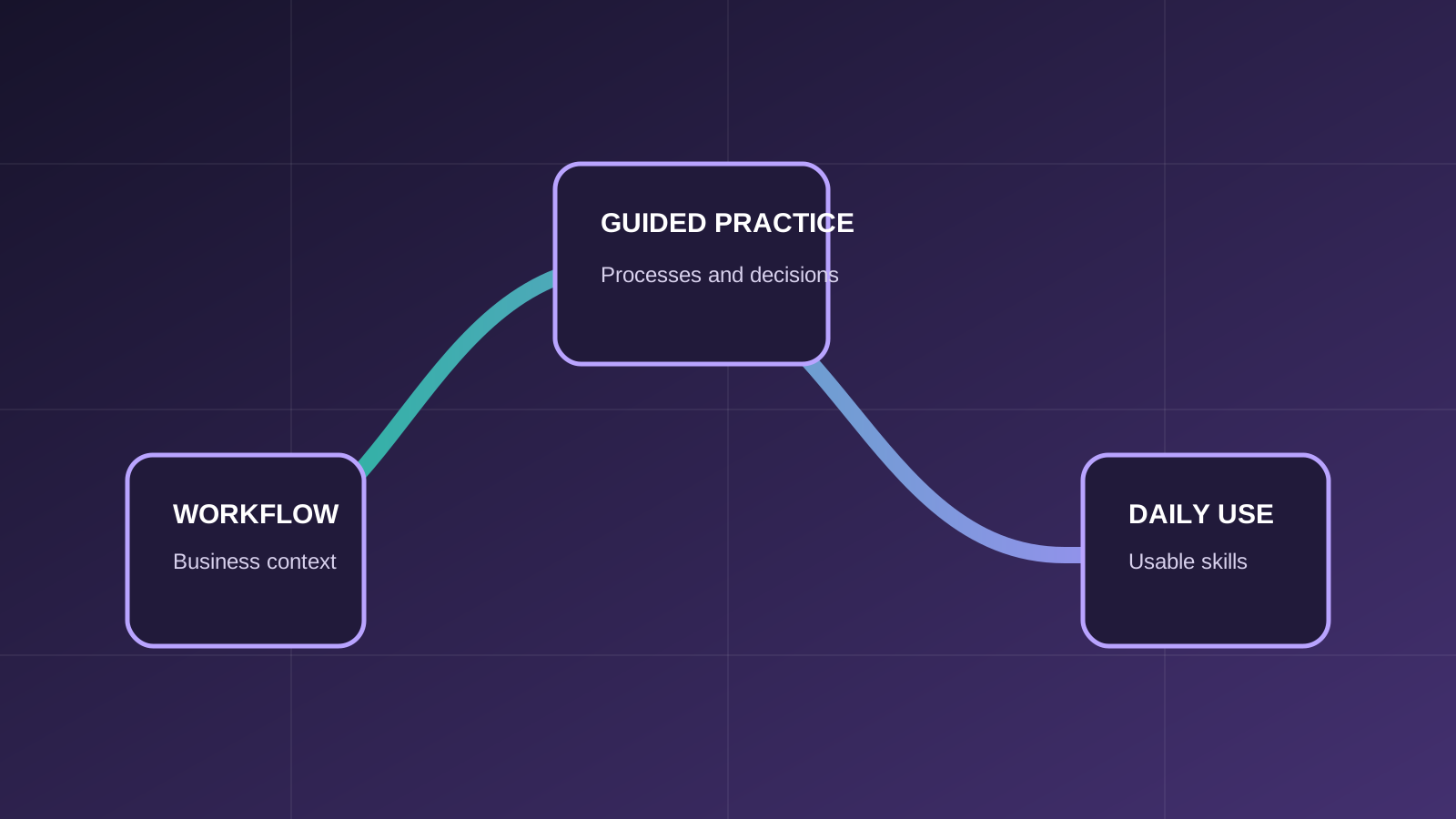
Course overview
This beginner-level course introduces the Odoo Accounting workspace and the core records that connect configuration, customer invoices, vendor bills, payments, banking and financial reports. Participants learn the sequence of daily transactions and how those transactions appear in accounting outputs.
Who should attend
The course is focused on roles that use, supervise or support the covered Odoo processes.
Finance professionals transferring familiar accounting work into Odoo.
Users who supervise invoicing, bills, cash and financial reporting.
Team members who need a reliable functional overview of Odoo Accounting.
Prerequisites
Required and recommended knowledge is stated clearly so participants can choose the appropriate level.
Participants should be comfortable with web applications and common spreadsheet tools.
Understanding debits and credits, journal entries, taxes and core financial statements will make the course more useful.
No previous Odoo experience is required. Prior exposure to an ERP system is helpful but optional.
What you will learn
Learning outcomes connect system actions with the business process and the result users need to understand.
Use the dashboard, journals and settings relevant to routine finance work.
Create customer invoices, register payments and review invoicing activity.
Record vendor bills, manage payments and understand tax handling.
Import transactions, reconcile accounts and process internal transfers.
Generate and interpret Profit and Loss, Balance Sheet, General Ledger and Cash Flow reports.
Connect operational documents and payments to journals and reporting.
Course program
Modules progress from the necessary records and concepts into connected operational scenarios.
Application navigation; dashboard; accountant responsibilities; essential settings.
Accounts; currencies and exchange rates; manual and automated journal entries.
Customer invoices; payments; reconciliation; invoicing analysis and reports.
Vendor bills; vendor payments; taxes and tax reports.
Bank accounts; imported transactions; reconciliation; internal transfers; currency exchange and unrealized gains or losses.
Profit and Loss; Balance Sheet; General Ledger; introduction to Cash Flow reporting.
Practical business scenarios
The training goes beyond a feature tour by connecting actions across records, roles and business outcomes.
Create a customer invoice, register settlement and see the effect on receivables and reports.
Record a supplier obligation, apply taxes and complete the payable workflow.
Match imported bank activity to Odoo transactions and resolve routine differences.
Trace balances from journal activity into the General Ledger and headline financial statements.
Training approach
ERPixel connects Odoo actions to the business decisions, records and handoffs behind them.
Each feature is explained in the context of the business workflow it supports.
Participants work through the records, decisions and exceptions used in day-to-day operations.
The course creates room to clarify why a workflow behaves as it does and how connected Odoo apps affect it.
Learning outcomes focus on tasks participants should be able to perform and interpret after training.

Official Odoo Partner
Odoo implementation, development, integration and ongoing support.
Why train with ERPixel
ERPixel connects functional instruction with the implementation, integration and support context in which Odoo users actually work.
The trainer brings more than a decade of relevant experience across business software, ERP, Odoo, analytics and automation work.
Training explains how records, controls and connected Odoo apps support the wider operating process.
As an official Odoo Partner, ERPixel understands how configuration, user responsibilities and adoption meet during delivery and ongoing use.
Related learning and expertise
Explore an adjacent course, application or ERPixel service.
Continue into advanced valuation, analytics, reconciliation and multi-company reporting.
Course FAQ
Clarify the expected experience, scope and relationship to other ERPixel courses.
No. The course introduces Odoo Accounting navigation and core workflows from the beginning.
Basic accounting knowledge is recommended. The course teaches how to perform work in Odoo, not accounting theory from first principles.
Experienced users who need valuation, assets, analytic accounting, budgeting or multi-company reporting can continue with Odoo Accounting Mastery.
Odoo training for your team
Tell us about the participant roles, current Odoo experience and workflows you want the training to address. We can clarify course fit and the appropriate scope.