
Odoo developers and junior developers
Developers who need a structured understanding of Odoo architecture and development patterns.
Technical · Odoo developer training
A practical Odoo developer course for technical teams that need to understand architecture, build maintainable customizations and support real implementations.
Practical workflows · Guided discussion · Skills for real Odoo use
Course overview
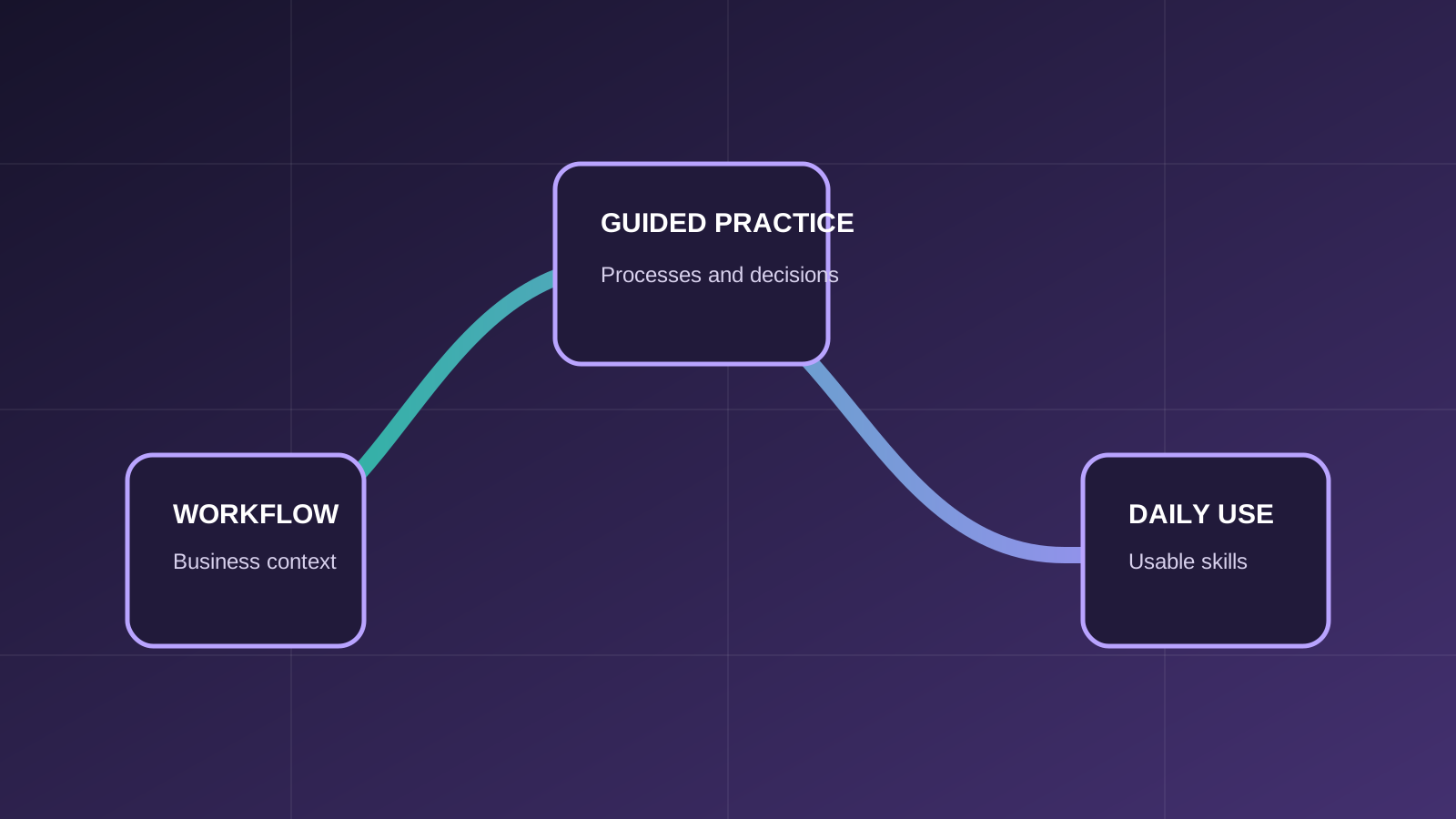
The course explains how Odoo works technically, why custom behavior works as it does, and how to develop changes that remain understandable and maintainable. Participants connect addon structure, ORM, user-interface inheritance, security, reports, APIs, testing and deployment to real implementation, integration, upgrade and support decisions.
Who should attend
The course is focused on roles that use, supervise or support the covered Odoo processes.
Developers who need a structured understanding of Odoo architecture and development patterns.
People deciding between configuration, Studio, custom code and integration.
Teams maintaining Odoo, reviewing customizations or coordinating external development.
Prerequisites
Required and recommended knowledge is stated clearly so participants can choose the appropriate level.
Participants should be comfortable with code editors, command-line tools and a practical development workflow.
Basic Python knowledge and understanding of records, fields and relationships are expected.
Functional familiarity is useful for connecting technical changes to business workflows, but is not mandatory.
What you will learn
Learning outcomes connect system actions with the business process and the result users need to understand.
Connect the server, database, addons, models, views and business records.
Create and extend models, fields, relationships, computed logic, constraints and recordset operations.
Use inherited views, actions, menus, domains and context without unnecessary duplication.
Reason about groups, access control lists, record rules and custom-code implications.
Understand APIs, authentication, data exchange, error handling and synchronization choices.
Read logs, diagnose behavior, write tests and identify deployment and upgrade risks.
Course program
Modules progress from the necessary records and concepts into connected operational scenarios.
Server, database and addons; standard and custom modules; environments; business records, views and server logic.
Manifest and addon structure; models and inheritance; fields; relationships; computed fields; constraints; onchange; recordsets.
Views and inheritance; actions; menus; domains; context; practical UI extensions.
Users and groups; access control lists; record rules; security implications and common mistakes.
Extending standard behavior; configuration vs Studio vs code; module boundaries; upgrade-safe principles.
Reporting concepts; QWeb fundamentals; extending business documents; preparing report data.
External APIs; authentication; exchange patterns; error handling and synchronization considerations.
Errors and logs; developer tools; debugging; automated tests; code review; updates, deployment and maintenance.
Practical business scenarios
The training goes beyond a feature tour by connecting actions across records, roles and business outcomes.
Add a field and business rule through model and view inheritance without replacing the base module.
Decide whether a requirement belongs in configuration, Studio, custom code or integration.
Introduce a workflow rule with appropriate access rights and record visibility.
Reason about ownership, authentication, mapping, synchronization, errors and retries.
Trace a customization that fails after a workflow or version change and plan a maintainable correction.
Training approach
ERPixel connects Odoo actions to the business decisions, records and handoffs behind them.
Each feature is explained in the context of the business workflow it supports.
Participants work through the records, decisions and exceptions used in day-to-day operations.
The course creates room to clarify why a workflow behaves as it does and how connected Odoo apps affect it.
Learning outcomes focus on tasks participants should be able to perform and interpret after training.

Official Odoo Partner
Odoo implementation, development, integration and ongoing support.
Why train with ERPixel
ERPixel connects functional instruction with the implementation, integration and support context in which Odoo users actually work.
The trainer brings more than a decade of relevant experience across business software, ERP, Odoo, analytics and automation work.
Training explains how records, controls and connected Odoo apps support the wider operating process.
As an official Odoo Partner, ERPixel understands how configuration, user responsibilities and adoption meet during delivery and ongoing use.
Related learning and expertise
Explore an adjacent course, application or ERPixel service.
See how ERPixel approaches maintainable custom Odoo engineering.
Understand the delivery context for extending standard Odoo behavior.
Explore API and cross-system integration delivery.
Understand the delivery context behind upgrade-aware customization.
Course FAQ
Clarify the expected experience, scope and relationship to other ERPixel courses.
No. Participants should have basic Python knowledge and practical experience with development tools. The scope can be adapted to the team’s current level.
Yes. It covers addon structure, manifests, models, ORM, views, security, reports, testing and the decisions needed for maintainable modules.
Yes. The course covers integration concepts, authentication, data exchange, synchronization, errors and maintainability. It remains training rather than an implementation engagement.
No. Version-specific differences can be discussed for the target environment, while the main architecture and development principles remain maintainable across versions.
Odoo training for your team
Tell us about the participant roles, current Odoo experience and workflows you want the training to address. We can clarify course fit and the appropriate scope.