
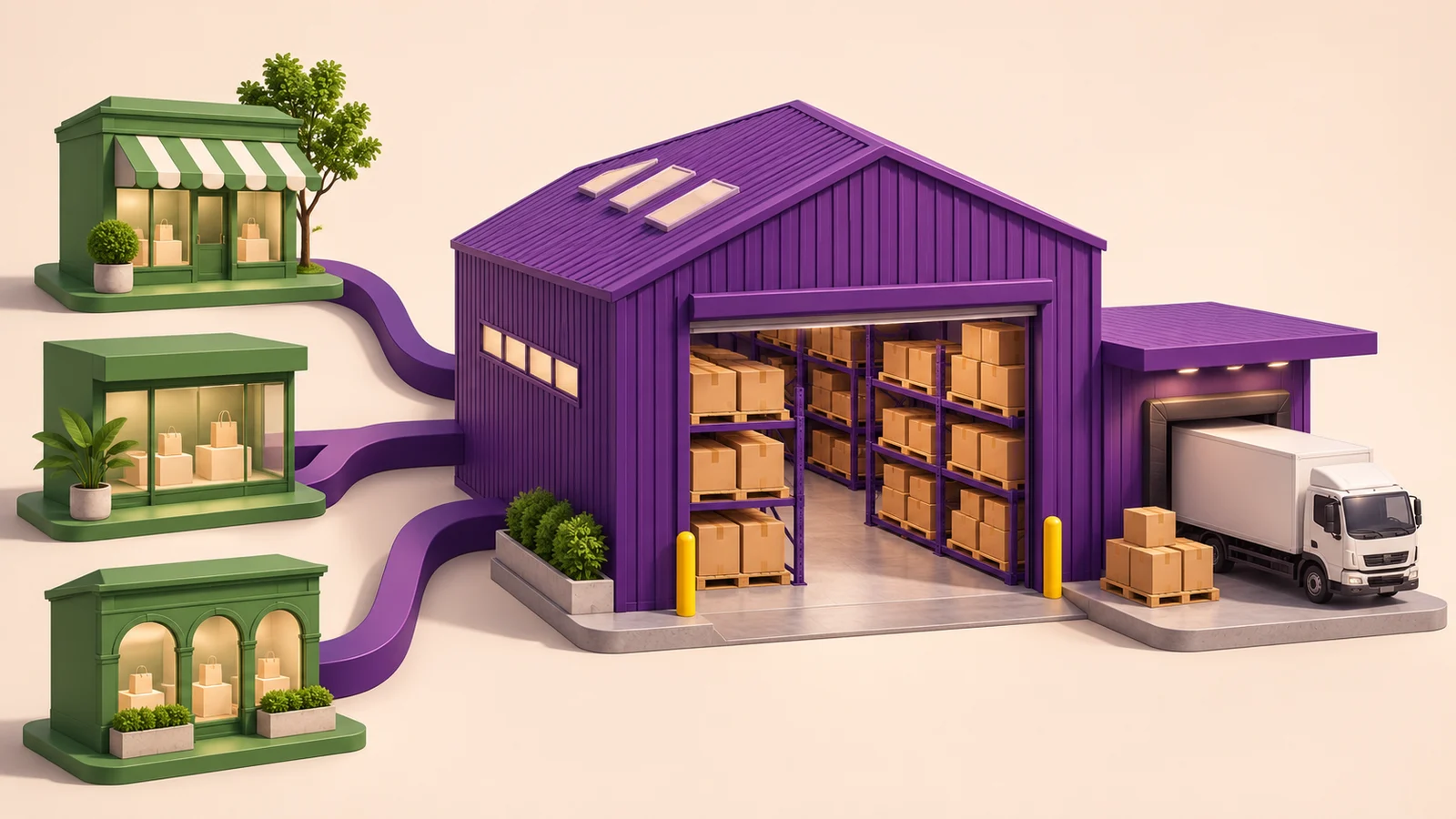
When several sales channels draw on the same stock, I recommend managing that stock through one operational system. Connecting Shopify to Odoo lets you keep your existing storefront while bringing purchasing, inventory, invoicing and orders from other channels into a shared process.
The main benefit becomes clear when several stores—or online and offline sales—draw on the same stock. You need to understand what is available, which orders require it, where it is stored and when to replenish it. In our implementation work, Odoo provides that shared operational picture, while Shopify continues to run the storefront.
What Shopify and Odoo exchange
A connector can synchronize products, stock, orders, prices and other supported data. The important part is agreeing what each system manages and how records correspond.
Odoo can hold information about products, suppliers, costs and stock. Shopify presents the store to customers and records their orders. The exchange rules determine where records originate, which updates travel in each direction and whether missing records should be created.
There are many configuration options. I would establish these rules before switching on unattended processing, rather than assuming every field should synchronize both ways.
Here is the division of responsibilities I would use as a starting point when designing the integration:
| Data or event | Where it is managed | What the integration exchanges |
|---|---|---|
| Products, variants and identifiers | One agreed catalogue owner, with corresponding records in both systems | Product links and selected catalogue updates |
| Prices | The agreed pricing source | Prices for the relevant store or market |
| Available stock | Odoo, using the agreed warehouses and availability rules | Quantities published to the mapped Shopify locations |
| Customer orders | Shopify captures the order; Odoo manages its operational processing | Customer, items, quantities and order details into Odoo |
| Fulfillment and tracking | The warehouse or 3PL reports execution; Odoo records the delivery | Shipment progress and tracking back to Shopify |
| Customer payments | The payment provider processes the money; Odoo records the accounting flow | Payment information associated with the imported order |
The configuration should give every record a clear identity and every update a clear direction. Two systems independently changing the same information without an ownership rule are a recipe for confusion.
From a Shopify order to a warehouse shipment
When an order reaches Odoo, the integration identifies the products and maps the order to the configured warehouse. If you use several warehouses, their relationship to the Shopify locations needs to be unambiguous.
For example, you might have a central warehouse and regional warehouses. With the appropriate mapping and routing rules, the order enters the intended warehouse process and Odoo creates a delivery document.
The warehouse employee then has a clear task: this customer, these products, these quantities and this delivery. The employee processes the shipment and records its completion.
An external 3PL can perform that work instead. Where the provider has a suitable API, we can assess and build an integration that sends fulfillment instructions from Odoo and brings the provider’s responses back. That is a separate integration scope from connecting Shopify itself.
A shipping partner can also receive the information needed to collect the parcel. Depending on the carrier and integration, printing a shipping label can be included as additional functionality. Supported fulfillment and tracking updates then return to Shopify so the store reflects the progress of the order.
Our international ecommerce implementation story describes a more complex environment involving several companies, warehouses and 3PL providers.
One stock picture across sales channels
If Shopify is your only sales channel, connecting it directly to a logistics provider may cover much of your immediate fulfillment requirement.
The operational question changes when other channels sell the same products. A second store, a marketplace or an offline sale can all create demand for the same stock. You need a consistent record of those sales and the inventory movements behind them.
This is where I recommend Odoo as the operational ERP. It brings sales channels into a shared inventory process and gives the business a record of what was sold, which warehouse supplied it and what the goods cost.
Replenishment matters as much as shipping
Imagine that your remaining stock will last until next week, but your supplier needs two weeks to deliver more. Waiting until the shelves are empty is already too late.
Odoo can support replenishment planning using configured stock rules and supplier lead times. In practice, we need to establish the purchasing conditions, replenishment rules and data that make those decisions useful.
For an ecommerce business, connecting the store is therefore only part of the opportunity. Connecting sales demand to purchasing and stock replenishment can be just as important.
A paid order is not yet a bank payout
Consider a bookstore where a customer places and pays for an order at checkout. We can configure the connector to create an invoice and register the customer payment in Odoo when importing that paid order.
These records answer different questions. The invoice records the sale according to the configured invoicing and accounting process. The customer payment records that the buyer has paid. Neither should be confused with evidence that the payout has already reached your bank.
For a Shopify Payments flow, an appropriately configured clearing or outstanding receipts account can track funds awaiting settlement. When the payout arrives, it needs to be reconciled with the underlying transactions and applicable fees or other adjustments. Shopify’s payout details distinguish pending funds, payouts and transaction fees.
The result we want is practical: the customer is no longer treated as unpaid, while finance can still see money awaiting settlement. Fees must also be accounted for so the net bank receipt can be explained.
For a simplified illustration, assume the customer pays €100, the processing fee is €3 and there are no refunds or other adjustments:
- Shopify records a paid €100 order.
- The configured Odoo workflow creates the invoice and registers the €100 customer payment.
- The payment is tracked through the provider’s clearing account while settlement is outstanding.
- The provider transfers €97 to the bank and retains the €3 fee.
- Finance reconciles the €97 bank receipt and €3 fee against the €100 settlement amount.
The €3 is an illustrative fee, not a Shopify price quotation. Actual payouts can combine several orders and adjustments. The principle remains the same: explain the difference between what customers paid and what reached the bank.
The provider matters. If a customer pays through another payment provider, the expected settlement belongs to that provider’s flow. It is not automatically a Shopify Payments receivable simply because the order originated in Shopify.
In Odoo, the accounting effect of registering payments depends on the configured journals and outstanding accounts; see the official payments documentation. We agree those settings with the accounting team. Payment receipt alone does not determine when revenue should be recognized.
Treat cancellation, a product return and a refund as separate actions
These three actions answer different questions. Cancelling an order changes the instruction to fulfill it. A product return moves goods back into the warehouse process. A refund sends money back to the customer. One action does not automatically establish that the other two have happened.
Cancellation: can the warehouse still stop the order?
Before shipment, the operations team needs to establish whether picking or dispatch can still be stopped. If a 3PL has already accepted the fulfillment request, someone must obtain its response and make sure the cancellation is reflected in the warehouse process.
Cancelling an order record alone does not stop a parcel already in transit. Once the goods have shipped, the team may need to arrange a return and a separate financial correction.
Product return: what actually came back?
My recommendation is to keep manual control of returns in Odoo as the starting point. The responsible employee should check the returned products, quantities and condition, then record the appropriate stock movement. Returned goods should only become available for sale again when the business has accepted them for that purpose.
Refund: what money should the customer receive?
The financial action needs its own decision: which amount to refund, through which provider and which accounting correction to record. Receiving goods does not itself prove that the customer has received their money back; issuing a refund does not prove that the goods have reached the warehouse.
Where the business manages returns entirely in Shopify, we can configure the connector to bring that process into Odoo. I would automate it only after responsibility for the goods, refund and accounting records is clear. For me, keeping those three parts consistent is more important than making every return automatic.
How we set up the integration
1. Install the selected connector and establish the connection
We install the connector, configure the Shopify connection and complete the authorization steps. We have used the VentorTech module for this integration. Once the connection is established, we move on to the business data and processing rules.
2. Import and map the reference data
This is the step I would emphasize most strongly. Products, variants, attribute values, prices and the relevant category or collection relationships must be mapped clearly enough that both systems identify the intended records.
That does not mean every field must be identical or copied in both directions. It means the systems must understand which records correspond and which system controls each supported update.
It is easier to establish this structure when launching sales. An existing Shopify store can also be connected to Odoo, but reconciling its catalogue and existing records takes work. I would allow time for that rather than treat it as a minor installation task.
3. Configure the order-processing workflow
Next, we decide what should happen to each applicable imported order:
- Should Odoo create an invoice?
- Should it register a customer payment?
- Should it create a delivery?
- Which actions can be confirmed automatically?
- Which journals and accounts should be used?
Automatic confirmation needs to reflect the real process. In particular, a delivery should not be marked as completed merely because an order was imported.
4. Test the process, then activate automated exchange
My recommendation is to follow representative orders through product matching, stock handling, fulfillment and payment records before enabling unattended operation. Include the cancellation and return scenarios that apply to the business.
Once the setup is ready, order imports and supported Shopify webhooks can be enabled. Shopify events can notify the integration of changes; Odoo-side updates can be sent to Shopify through API calls triggered by the connector’s supported events or scheduled jobs. We configure the exchange schedule and event triggers around the way the business operates.
Keep records that let you check your warehouse operator
One benefit clients often appreciate is having their own record of the instructions sent to the warehouse and the shipments recorded against them.
I recommend reviewing each shipment against a short chain of evidence:
- The instruction sent to the warehouse: order reference, products, quantities and delivery address.
- The warehouse’s acceptance or rejection of that instruction.
- The quantities reported as shipped, including any shortage or outstanding balance.
- The carrier and tracking reference returned for the shipment.
- The corresponding delivery and stock movements recorded in Odoo.
A discrepancy then becomes a specific question: was the order accepted, was the full quantity shipped, or did the warehouse dispatch it without returning tracking information?
This is a useful operational control. Your operations employee has a record to reconcile with the 3PL and a clear starting point for investigating missing or inconsistent information.
What to prepare before implementation
I would start preparation with three things: reliable ecommerce data, the employees who will manage the channel and an operations owner who will control fulfillment. The implementation partner can configure the connection, but your team needs to own the information and the daily decisions behind it.
1. Prepare your ecommerce data and reference records
Bring together the records that describe what you sell and how orders should be processed:
- Products and variants: stable SKUs, barcodes where used, names, attributes and attribute values. Identify duplicates and missing identifiers before importing them.
- Catalogue structure: categories, Shopify collections and the relationships you want to maintain between the systems.
- Prices: price lists, currencies and the rules for which system controls updates. Include discounts and tax treatment in the discussion with finance.
- Warehouses and locations: which Shopify location corresponds to which Odoo warehouse, what stock each channel can sell and where opening quantities come from.
- Suppliers and replenishment: supplier references, lead times and purchasing conditions that will support replenishment planning.
- Order and payment settings: stores, sales channels, payment providers, shipping methods and the information finance needs for invoices, payments and settlement.
Assign someone to approve the mapping. A successful import is only useful if the resulting records represent the products, prices and locations your employees actually work with.
2. Assign the employees who will manage ecommerce
Name the people responsible for the catalogue, pricing and daily order management. In a smaller business, one employee may cover several responsibilities; the important point is that ownership is explicit.
These employees should participate in mapping decisions and testing. They need to know where to create a product, where to change a price, how to identify an order that has not processed correctly and who can resolve it.
I would also agree who handles customer requests, approves cancellations and coordinates refunds with finance. Give the team the appropriate access and train them on the actual workflow they will use after launch.
3. Put operations in charge of fulfillment control
Appoint an operations owner who is accountable for the order’s progress from release to confirmed shipment. Even when a 3PL performs the warehouse work, someone inside your company should control the result.
That person should monitor orders awaiting warehouse acceptance, investigate dispatch delays, follow up on shortages and missing tracking, and coordinate cancellations before goods leave the warehouse. They should also make sure physical returns are recorded and communicated to the ecommerce and finance teams.
Agree how operations contacts the warehouse or 3PL when something goes wrong, who can authorize a correction and how the issue is closed. Automation reduces routine handling; the operations owner makes sure exceptions receive attention.
4. Agree the handoff between ecommerce, operations and finance
Before launch, follow a paid order through all three teams. Ecommerce should see the correct order and customer information. Operations should see the fulfillment task and its execution. Finance should see the invoice, customer payment and expected settlement.
Then walk through a cancellation and a return. Each employee should understand which action they own, which record they change and who needs to be informed next.
That is the preparation I consider essential: the systems understand the same data, employees know where to work and operations can control what actually happens to the goods.
We regularly implement these workflows as part of our Odoo integration services. We would be glad to help you connect Shopify to the stock, purchasing, fulfillment and accounting processes behind your business. Book a conversation with ERPixel to discuss your setup.