
The chaos started with one simple question: “Where did we put those connectors?”
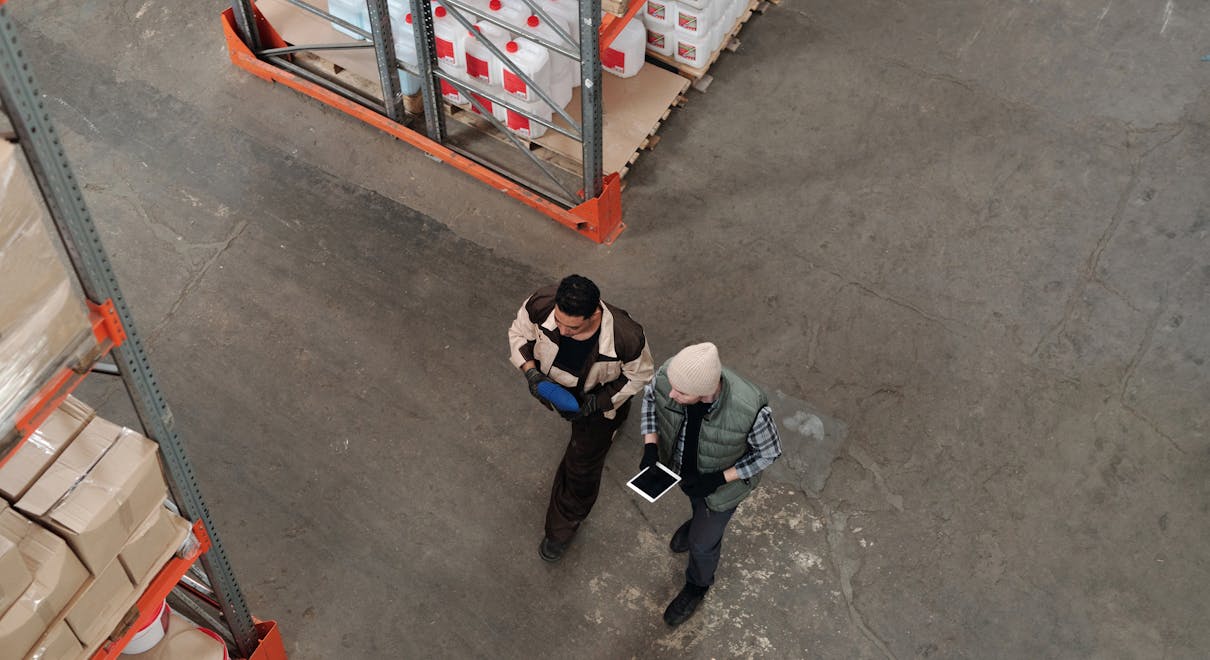
The purchasing manager was sure they had been received. The warehouse operator walked from pallet to pallet, opening boxes, scanning labels, refreshing Odoo – nothing. Orders were waiting, staff were frustrated, and everyone blamed “the system.”
When ERPixel reviewed their setup, the problem wasn’t Odoo at all. The company was receiving everything into a single generic stock location, with no clear aisles, no shelves, and no Odoo 19 putaway rules. Products arrived, but Odoo had no logic for where to store them – and the warehouse team spent hours every week hunting for items that should have been easy to find.
This article walks through, in practical business terms, how to structure warehouse locations in Odoo 19 and how to use putaway rules so products are placed automatically in the right aisle and shelf. The key question we’ll answer is: How should you design locations and putaway rules in Odoo 19 so that anyone can instantly know where every item is stored?
Key Warehouse Terms in Odoo 19
Before diving into configuration, it helps to align on a few core terms used in Odoo’s inventory app.
- Warehouse – A physical or logical building where you store goods.
In Odoo, a warehouse (for example, “Main”) groups default locations likeMain/Input,Main/Stock, andMain/Output.
Example: Your central distribution center is configured as the “Main” warehouse in Odoo. - Location – A specific place where products can sit. Locations can be internal storage, supplier locations, customer locations, or virtual ones.
Example:Main/Stock/Aisle 1/Shelf 1represents a real shelf in your rack system. - Storage Location – An internal location intended for long-term storage, not just movement.
Example:Main/Stockand all its child aisles and shelves are storage locations. - Input / Output Locations – Temporary “staging” areas for receipts and deliveries, not where products should live long term.
Example:Main/Inputis where goods appear when you receive them, before putaway. - Putaway Rule – A rule that tells Odoo where to store a product when it’s received. During receipt validation, Odoo checks these rules first to decide the final destination location.
Example: A putaway rule that always sends Product X toMain/Stock/Aisle 1/Shelf 1. - Routes & Inventory Routing – The logic Odoo uses to understand how products move from receiving into storage, between locations, or through manufacturing steps.
Example: A route that moves items fromMain/Inputinto the correct shelf using putaway rules.
Why Putaway Rules Matter: Two Real-World Business Scenarios
The video transcript you shared focuses on one simple but powerful idea: location structure and putaway rules are the foundation of clean inventory.
When these are missing or poorly designed, the impact is felt immediately.
Example 1: Electronics Distributor
A mid-size electronics distributor receives hundreds of SKUs every week. Without a detailed structure under Main/Stock and without Odoo 19 putaway rules explained to the team, staff simply drop pallets “anywhere there’s space.” Odoo only sees a generic Main/Stock.
The result: stock is technically “on hand” in the system, but nobody knows which aisle or shelf to visit. Picking slows down, urgent orders are delayed, and the company starts over-ordering “just in case” because they don’t trust the numbers.
Example 2: Industrial Components Manufacturer
A manufacturing company stores raw materials, subassemblies, and finished goods in the same warehouse. Components for production must move from storage to the line at the right time.
Without structured internal locations like Main/Stock/Raw/Aisle 1 and without robust putaway rules, materials regularly end up in wrong zones. Production stops while operators search for missing parts. The planning team sees “available” inventory in Odoo, but the floor team can’t find it. Lead times rise, and customers feel it.
In both cases, the root cause is the same: no clear location hierarchy and no rules to drive automatic putaway during receipts.
From Chaos to Clarity: How to Design Locations and Putaway Rules in Odoo 19
The transcript outlines a clean, step-by-step way to build a logical warehouse structure and connect it with putaway rules in Odoo 19. Below is that logic, re-framed from a management perspective and expanded with implementation insights ERPixel uses in real projects.
1. Enable Storage Locations and Routing – or Nothing Else Will Work
The first mistake many teams make is trying to configure putaway rules before enabling the right settings.
- In Settings » Inventory, enable Storage Locations.
Without this, Odoo only uses a single stock location and cannot distinguish between aisles or shelves. - Make sure inventory routing options (Routes / Multi-step routes) are enabled.
Odoo needs to understand how goods move from receiving (Main/Input) to storage (Main/Stock/...)for putaway rules to trigger correctly.
Once saved, Odoo lets you work with detailed internal locations – the foundation of any meaningful Odoo 19 putaway rules setup.
2. Create a Warehouse and Understand Its Default Locations
Next, create or review your main warehouse under Inventory » Configuration » Warehouses. When you create a warehouse named “Main,” Odoo automatically generates:
Main/Input– for incoming goodsMain/Stock– the central storage locationMain/Output– for goods ready to ship
It’s crucial that products are not stored long term in Main/Input or Main/Output; those are movement zones. The real storage starts under Main/Stock.
3. Build a Location Hierarchy That Mirrors the Real Warehouse
A clean location tree in Odoo should match the reality your staff see on the floor.
The transcript provides a simple, effective pattern:
- Under
Main/Stock, create an internal location called Aisle 1. This tells Odoo that it’s a real physical area. - Under Aisle 1, create another internal location called Shelf 1.
You now have a clear hierarchy: Main/Stock » Aisle 1 » Shelf 1.
This can be extended naturally: Aisle 2, Shelf 3, Bin 5, and so on.
The more your naming convention reflects warehouse signage and labels, the easier it is for staff to trust and use Odoo in daily operations.
4. Configure Putaway Rules to Drive Automatic Storage
With the structure in place, you can finally make Odoo “think” about where new stock should go.
This is where Odoo 19 putaway rules explained in the transcript become highly practical.
- Go to Inventory » Configuration » Putaway Rules.
- Create a new rule that defines:
- Source location – typically
Main/StockorMain/Input. - Product or product category – what this rule applies to.
- Destination location – for example,
Main/Stock/Aisle 1/Shelf 1.
- Source location – typically
When a receipt is validated, Odoo checks these rules before anything else and places the product directly into the destination location, without the user having to manually choose the shelf.
5. Test with Real Transactions – Don’t Skip This Step
The transcript emphasizes something many implementations ignore: test using a full
purchase-to-receipt flow.
- Create a test product and confirm there is no existing stock.
- Create a purchase order for this product, targeting the Main warehouse.
- Receive the product and validate the receipt without touching the destination location.
- Check Inventory » Reporting » Locations (or product moves) to verify that quantity appears in
Main/Stock/Aisle 1/Shelf 1– not just generically inMain/Stock.
If no putaway rule exists, Odoo will default to Main/Stock. That comparison makes it obvious how much clarity you gain simply by setting up the right rules.
6. Plan for the Next Steps: Flows Between Locations and Warehouses
Once your basic location hierarchy and putaway rules are stable, you can safely extend into more advanced flows mentioned in the transcript:
- Moving raw materials from storage to production lines
- Transferring components between internal locations
- Returning finished goods back into stock
- Inter-warehouse transfers and internal replenishment
- Cross-company moves that still keep stock accurate in Odoo
This is where working with an official Odoo Partner such as ERPixel helps you design routes and locations that scale beyond a single warehouse and avoid future rework.
Conclusion: A Simple Structure, Backed by Smart Rules
To answer the key question: you design locations and putaway rules in Odoo 19 by building a clear warehouse hierarchy under Main/Stock and letting putaway rules decide the final shelf during every receipt. Storage locations must be enabled, routing must be active, and you must test with real transactions to confirm that quantities land in the correct aisle and shelf.
When Odoo 19 putaway rules are configured correctly, warehouse staff no longer guess where products should go. Items are stored consistently, receipts are faster, and anyone in the office can open a product in Odoo and immediately see its exact physical location – down to the aisle and shelf.
If you want this level of clarity in your own warehouse, ERPixel can help you design location hierarchies, configure putaway rules, and implement end-to-end Odoo inventory workflows that fit your real operations. Contact ERPixel to get expert Odoo development, ERP implementation, and warehouse automation tailored to your business.