

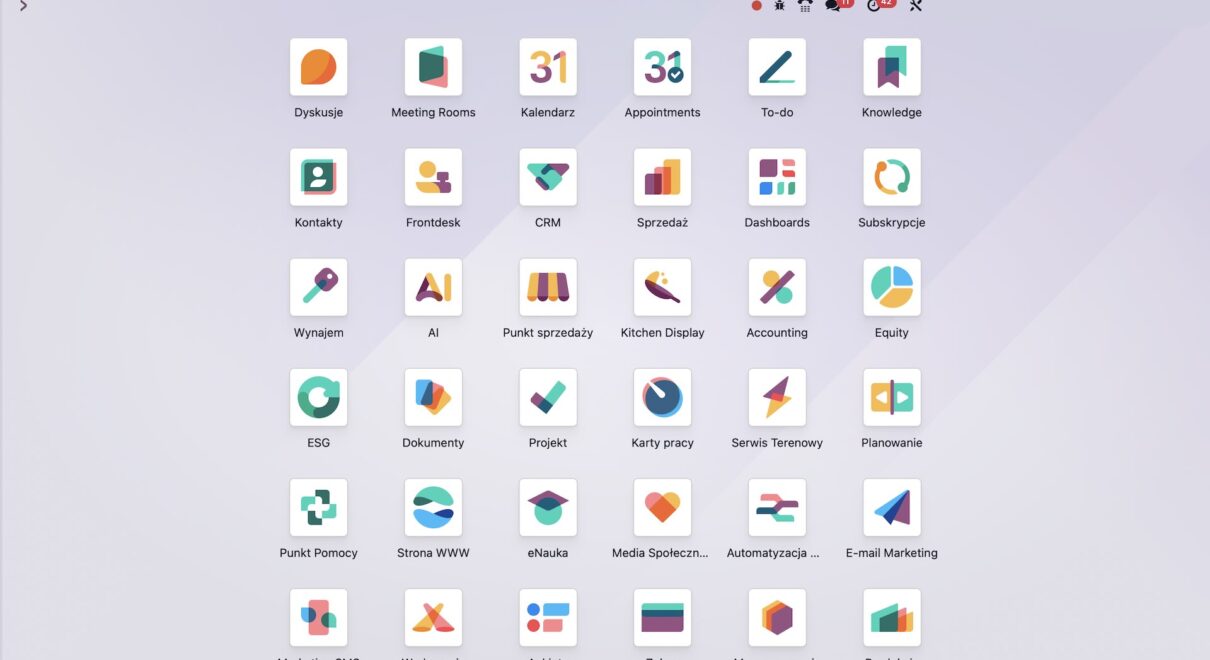
A sales manager opens Odoo at 8:30 a.m. and already feels behind. Fifteen quotations need status updates, three customers require payment reminders, and yesterday’s confirmed orders must trigger internal follow-ups. None of these tasks are difficult, but together they quietly steal the morning. By Friday, the team has spent hours clicking, checking, copying, and correcting. The real question is simple: why do it by hand when the system can do it reliably? This is where the rule Dont Do it Manually in Odoo becomes more than a productivity slogan. It becomes an operating principle.
Odoo is already powerful out of the box, but many companies only use the visible layer. Under the surface, Odoo automation can act like a dependable digital teammate: it follows instructions, runs on time, reacts to business events, and never forgets the routine details. In this article, we will answer how to apply Dont Do it Manually in Odoo using practical automation tools that save time without losing control.
The Automation Language Managers Should Understand
Before deciding what to automate, it helps to clarify the main terms in business language. These are not abstract developer concepts; they directly affect daily operations.
- Server action: A manual automation triggered by a user, often from a button or action menu. Example: select 50 sales orders and update a custom field in one click.
- Scheduled action: A time-based automation that runs hourly, daily, weekly, or monthly. Example: send customer statements automatically at the end of each month.
- Automated action: An event-based automation that reacts when something changes in Odoo. Example: notify operations when a quotation becomes a confirmed sales order.
- Trigger: The exact condition that tells Odoo when to act. Example: run only when the order status changes from quotation to sales order.
- Model and records: A model is a business object, such as contacts or sales orders; records are the individual entries. Example: all customers with open receivables are records in the contacts model.
- Domain filter: A rule that selects the correct records for automation. Example: find only customers whose total receivable is greater than zero.
Once these ideas are clear, Dont Do it Manually in Odoo becomes a practical framework for deciding which work belongs to people and which work belongs to the ERP.
Why Manual Odoo Work Becomes Expensive
The problem is not one repeated task. The problem is the accumulated cost of small tasks across many employees, departments, and weeks. Manual work creates delays, inconsistent data, missed follow-ups, and preventable stress. Worse, it makes managers dependent on memory instead of process.
Example 1: Wholesale distribution
A distributor receives dozens of sales orders every day. The team manually checks order status, flags special cases, and sends internal messages to warehouse staff. When volume increases, people forget steps. One urgent order is missed, a customer complains, and the sales team starts double-checking everything manually. The company becomes slower exactly when it needs to scale. The better answer is Dont Do it Manually in Odoo: confirm the order, trigger the workflow, and let Odoo notify the right people.
Example 2: Professional services
A consulting firm sends monthly statements and payment reminders to clients. Finance exports data, reviews balances, prepares emails, and follows up manually. When one person is on vacation, reminders are delayed. Cash flow suffers, and partners lose visibility. With scheduled actions, Odoo can identify customers with balances and execute the reminder process automatically. Here again, Dont Do it Manually in Odoo protects revenue and reduces operational dependency.
How Odoo Automation Turns Repetition Into Process
The strongest automation strategy usually starts with the simplest tool and grows from there. You do not need to automate everything at once. You need to automate the right things carefully, test them, and then expand.
Start with server actions: controlled automation
Server actions are often the safest entry point because the user decides when they run. They are ideal for batch updates, record cleanup, internal emails, or applying business logic to selected records. A manager can select multiple sales orders and execute an action from the contextual menu. Odoo then applies the same logic consistently to every selected record.
This is the first practical level of Dont Do it Manually in Odoo. Instead of opening records one by one, your team runs a tested action. It is especially valuable because results are easy to verify. Many companies use server actions to reduce repetitive administrative work by several hours per week.
Move to scheduled actions: automation on the clock
Scheduled actions are useful when the business process depends on time. Monthly statements, daily checks, overdue task reminders, and periodic data synchronization are common examples. Odoo runs the process according to the interval you define.
A strong practice is to test the logic first as a server action. Once the result is correct, move the logic into a scheduled action. Then check whether the next execution date updates correctly and whether the action remains active. This approach turns Dont Do it Manually in Odoo into a reliable background process, not a risky shortcut.
Use automated actions carefully: event-based intelligence
Automated actions are powerful because they react to changes inside Odoo. When a record is created, edited, or moved to a new status, Odoo can execute a defined response. This is where automation feels most intelligent, but it also requires the most precision.
The trigger must be specific. If an action runs on every edit, it may fire too often and create unexpected results. A better design is to narrow the condition: for example, run only when the sales order status changes to confirmed. Testing the trigger separately, even with a simple message, helps confirm that Odoo reacts exactly when expected.
This discipline matters because Dont Do it Manually in Odoo should never mean “automate without thinking.” Good automation removes friction while preserving business control. Poor automation creates hidden complexity.
A Practical Automation Roadmap for Growing Companies
For most B2B companies, the roadmap is straightforward. First, identify tasks repeated weekly by multiple people. Second, estimate the time lost and the risk of human error. Third, choose the right automation type: server action for user-triggered work, scheduled action for recurring work, and automated action for event-based work.
Next, test with a limited scope. Use filters carefully, confirm the correct records, and document what the automation does. Then expand once the team trusts the result. This is how Dont Do it Manually in Odoo becomes an operational habit rather than a one-time technical experiment.
As an official Odoo Partner, ERPixel helps companies design these automations safely, from small workflow improvements to advanced ERP implementation. The goal is not to replace people. The goal is to let people focus on decisions, customers, and growth while Odoo handles repetitive execution.
Stop Spending Human Time on System Work
The answer to the opening question is clear: if a task is repetitive, rule-based, and measurable, your team should not keep doing it manually. Dont Do it Manually in Odoo means using server actions, scheduled actions, and automated actions to build a faster, cleaner, more dependable business process.
With the right setup, Odoo can save hours every week, reduce missed steps, and improve consistency across departments. If you want to apply Dont Do it Manually in Odoo to your sales, accounting, inventory, or service workflows, contact ERPixel for expert Odoo development & implementation support.